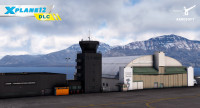
Tokyo International Airport (HND | RJTT) – Ultimate Realism & Performance
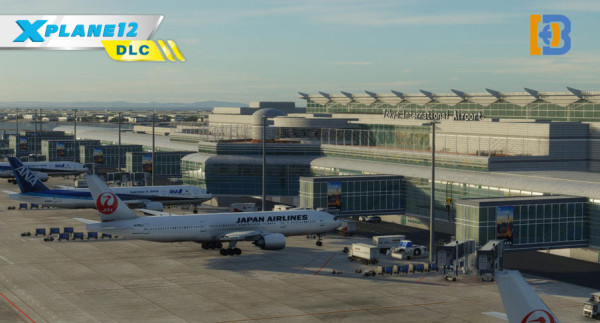
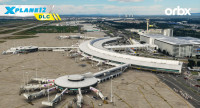
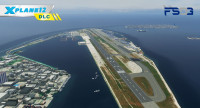
Tokyo International Airport is also known as Haneda Airport. Located in the reclaimed land area of Tokyo Bay in Ota Ward, Tokyo, only about 15 kilometers from Tokyo Station. As Japan's largest hub airport and the core air gateway to the Tokyo metropolitan area, it handles the vast majority of domestic air transport in Japan and boasts a comprehensive international route network. It serves as the main domestic base for major airlines such as ANA and JAL.
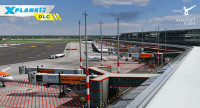
Haneda Airport consistently ranks among the world's top airports in terms of annual passenger throughput (approximately 85-90 million in recent years). With its four runways and three terminals operating efficiently, it is a vital hub connecting all parts of Japan with the world.
Its advantageous geographical location, dense flight network, and modern facilities make it a true "Gateway to Japan."
Features:
- Latest AIRAC2609 now available
- Experience the new JAL terminal which will start service in September, 2026
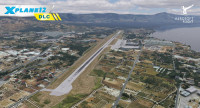
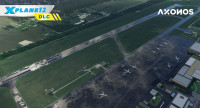
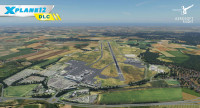
- Carefully crafted terrain mesh, include true elevation, road networks, and slope of connection bridge of RWY05/23
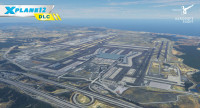
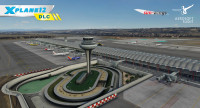
- The whole island owned detail-modeled buildings which restored to reality
- Customized ground markings and taxiway signs, parking guidance and other markings
- Customized taxiway and runway texture
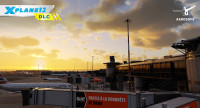
- Customized apron lighting system, bring you a beautiful night sight
- Customized landmark models around Haneda airport, include Wind Tower, Gate Bridge and more, enhanced your visual experience
- Carefully designed arrival area sights – go for a walk when you have time
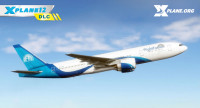
- Authentic local brand vehicles and equipment, bringing you an authentic Japanese airport experience
- Default X-Plane jetway support, no more plugins needed
- 4K high definition textures
- Simple yet practical interior design
- Accurate taxiway and runway according to the newest AIRAC data
- Accurate night approach guide lighting system around Tokyo bay and city (APPROACH GUIDANCE LIGHTS)
- X-Plane 12.10 | X-Plane 11.30 or higher
- Windows10 / 11 or higher (Mac, Linux untested)
- 6 GB VRAM minimum
- 16GB RAM minimum
- Available disk space: 5.7 GB minimum
Installation runs via Aerosoft One, this requires an internet connection and an Aerosoft user account!
More information about Aerosoft One can be found in the User Guide or in the FAQs.