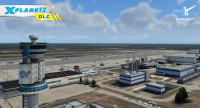
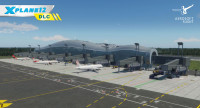
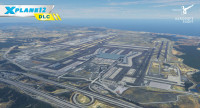
Give X-Plane a completely new, realistic look and create stunning screenshots. shadeX is an...plus
Informations sur le produit "shadeX"
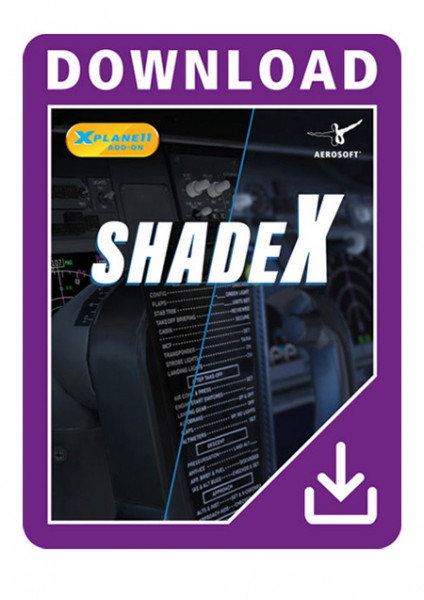
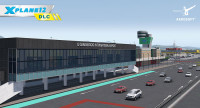
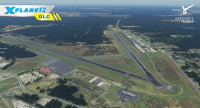
Give X-Plane a completely new, realistic look and create stunning screenshots.
shadeX is an effect tuning plugin that changes the visual appearance and adds great effects by using a shader-based real-time technology.
FEATURES
- Color settings
Change contrast, lift, gamma, gain, temperature and saturation - Effects
Apply sepia, film grain, vignette and sharpening effects - Depth of Field (XP11 only)
Highlight/blur specific areas automatically or by full manual control - Field of View
Set close up or wide-angle views - Presets
Select from various presets or save your own color/effect setting - User Interface
A modern and user-friendly menu with quick access to all functions + advanced settings with full control for experts - Multi-Language
The plugin is available in English, German, Spanish, French (based on the X-Plane language selection) - Manual
Written manual available for all languages + video tutorial covering all features in English
COMPATIBILITY
X-Plane 11.55 (openGL & Vulkan):

- Windows 10/11: compatible
- Linux Ubuntu (latest LTS): compatible
- Effects compatible with Virtual Reality (UI not)
- Not compatible with Mac
X-Plane 12:
- No depth of field effect available in X-Plane 12
- Only compatible with Windows 10/11
- Not compatible with Linux or Mac
Liens supplémentaires vers "shadeX"
- X-Plane 11.55 or X-Plane 12
- Operating system: Microsoft Windows 10 / 11 or Linux Ubuntu LTS (only for XP11) (not compatible with Mac OS)
- Processor: Dual Core CPU with 3.0 GHz
- Memory: 12 GB RAM
- Graphics card: 4 GB, DirectX 11
- HDD: 100 MB
- Internet connection required for activation
Installation runs via Aerosoft One, this requires an internet connection and an Aerosoft user account!
-30
-30
-30
NOUVEAU
NOUVEAU
-35